The driver, the picker, the technician, the person on the shop floor. They still need to start a shift, answer a customer, find a pallet and book a day off — and none of that should require finding a desk. Four small apps, one login, the same workspace as the web app.
Free downloads · no separate mobile seat · iOS builds next
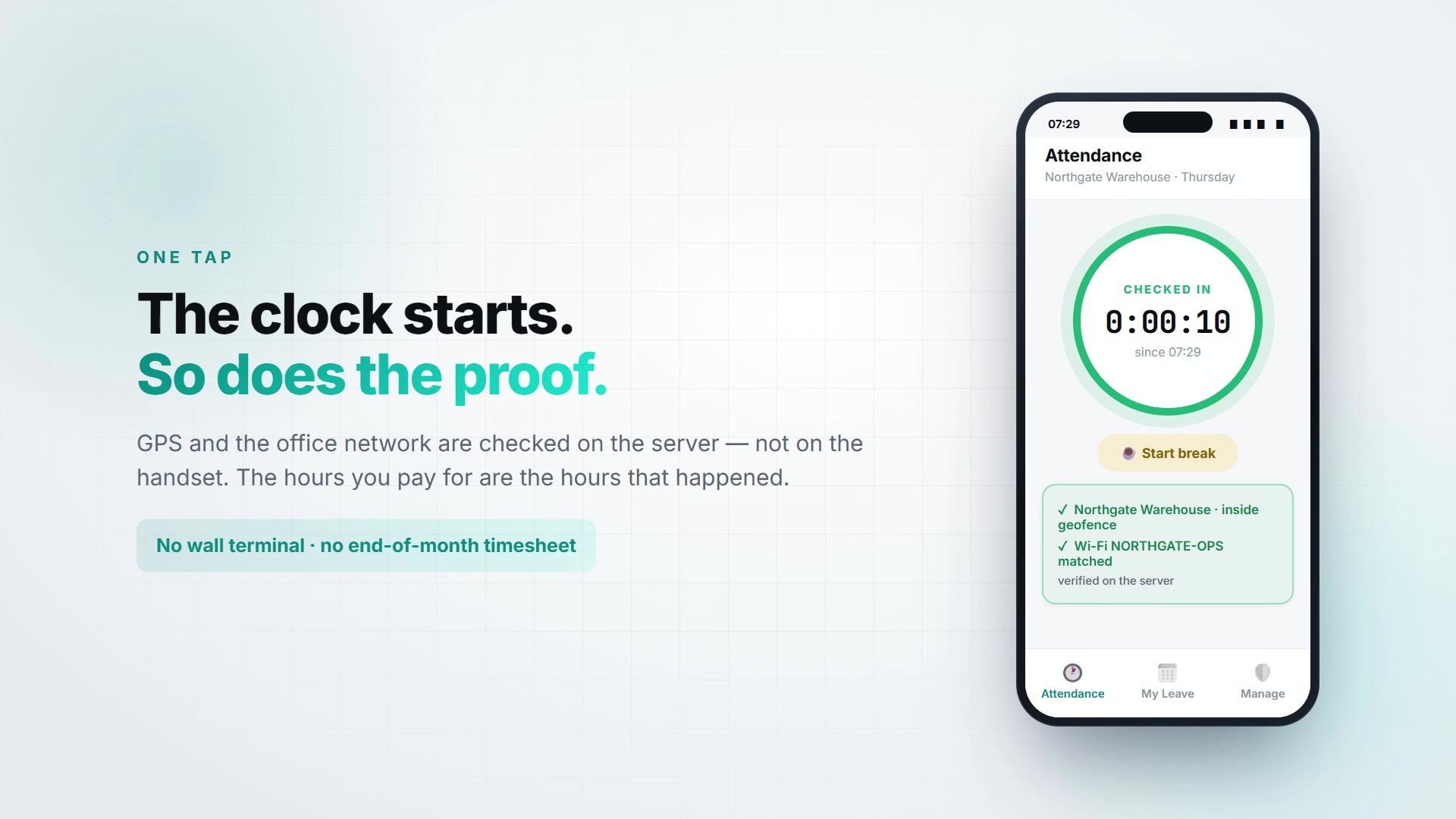
Northgate Warehouse · Thursday
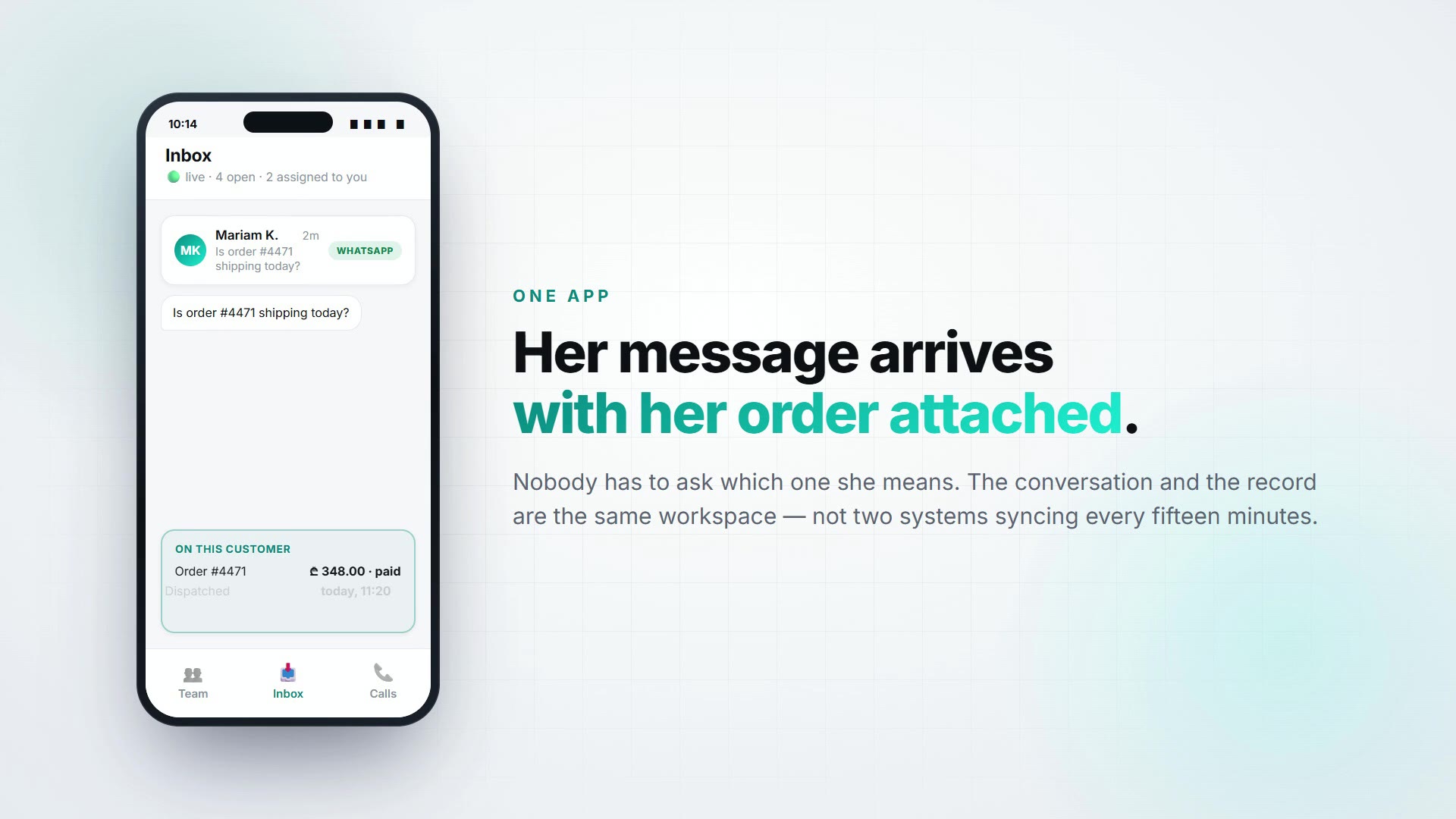
🟢 live · 4 open
You don't have to roll out all four. Most teams start with HR because everyone has a shift, then add Chat when customer messages start landing on someone's personal phone.
Clock in, request leave, approve from your pocket
One-tap check in and out with break tracking, live leave balances, and a manager approvals inbox. Location and Wi-Fi are verified server-side, so a clock-in from the car park is caught before it becomes payroll.
Team chat, customer inbox and phone calls in one app
Three tabs: your colleagues, your customers, and a real softphone. Every conversation is already attached to the lead or record it belongs to, so nobody has to ask "which order is this about?"
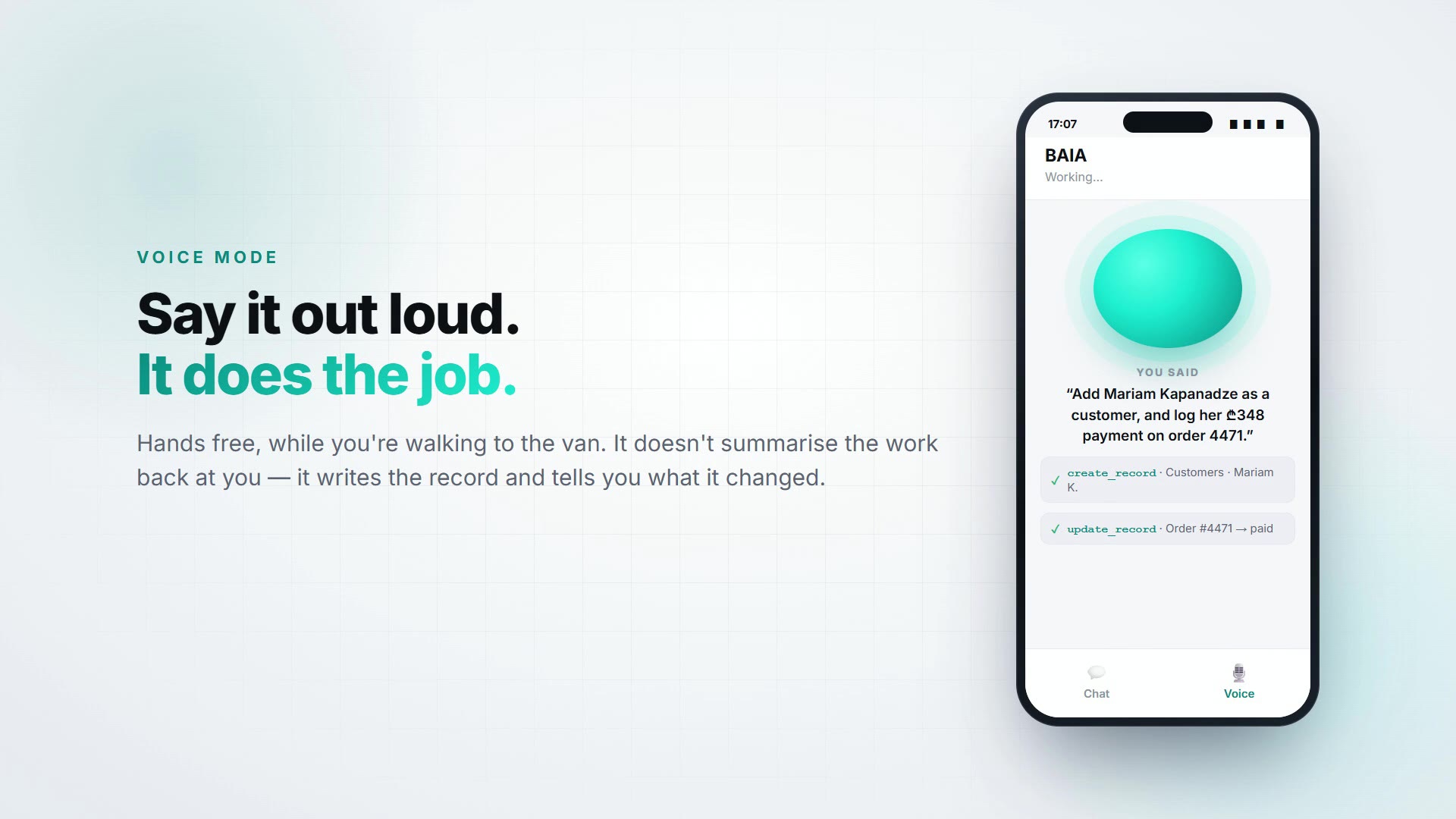
Ask your business a question — out loud, hands free
BAIA is your workspace with a voice. It does not summarise a help article at you: it reads your real records and writes them back. Add the customer, log the payment, tell me what we sold last week.
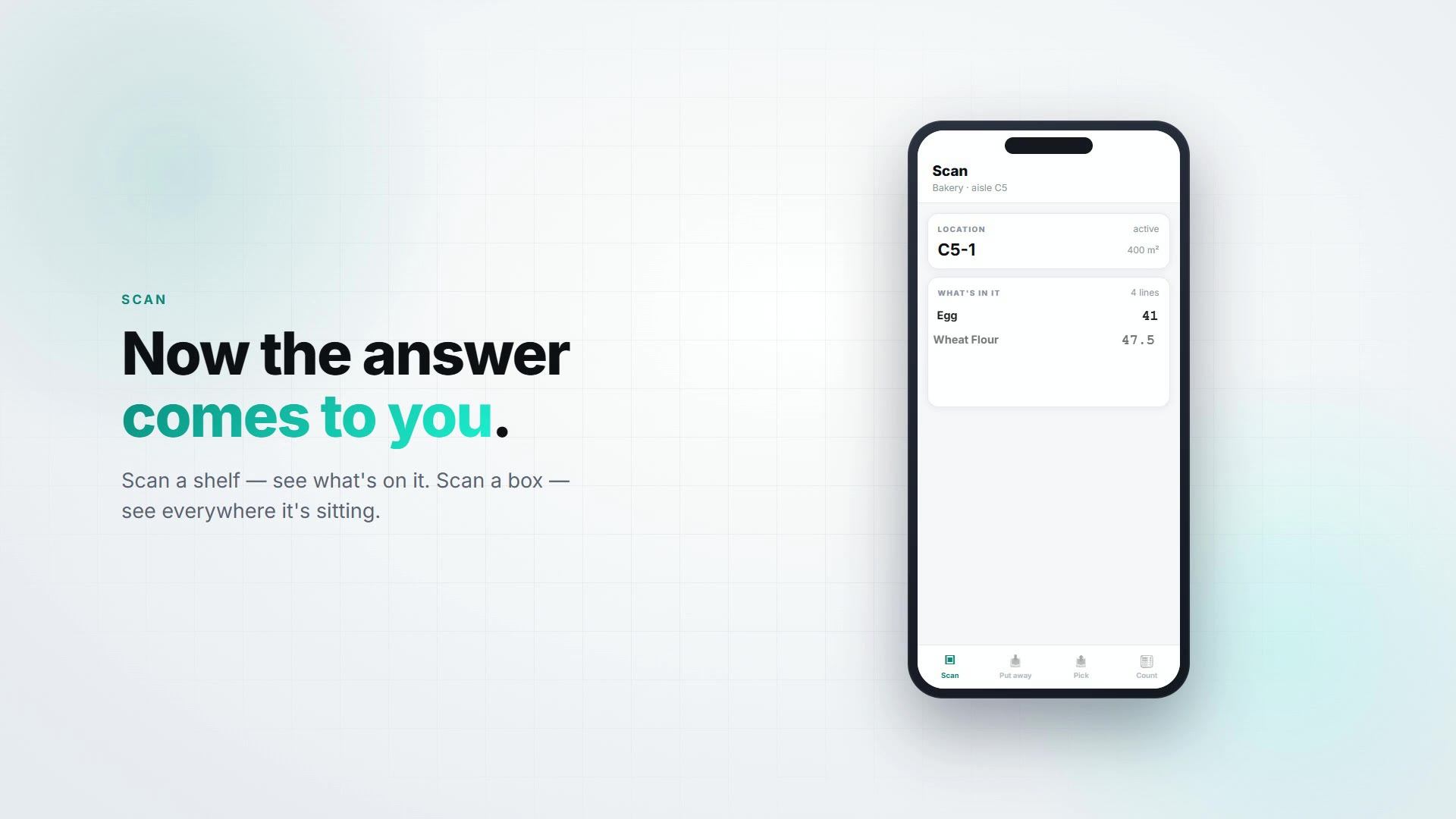
Your phone is the barcode scanner
Scan a product to see where every unit of it sits. Scan a shelf to see what is on it. Put away, pick, move, count and receive with both hands on the stock instead of one on a terminal — and it keeps working when the signal drops behind the racking.
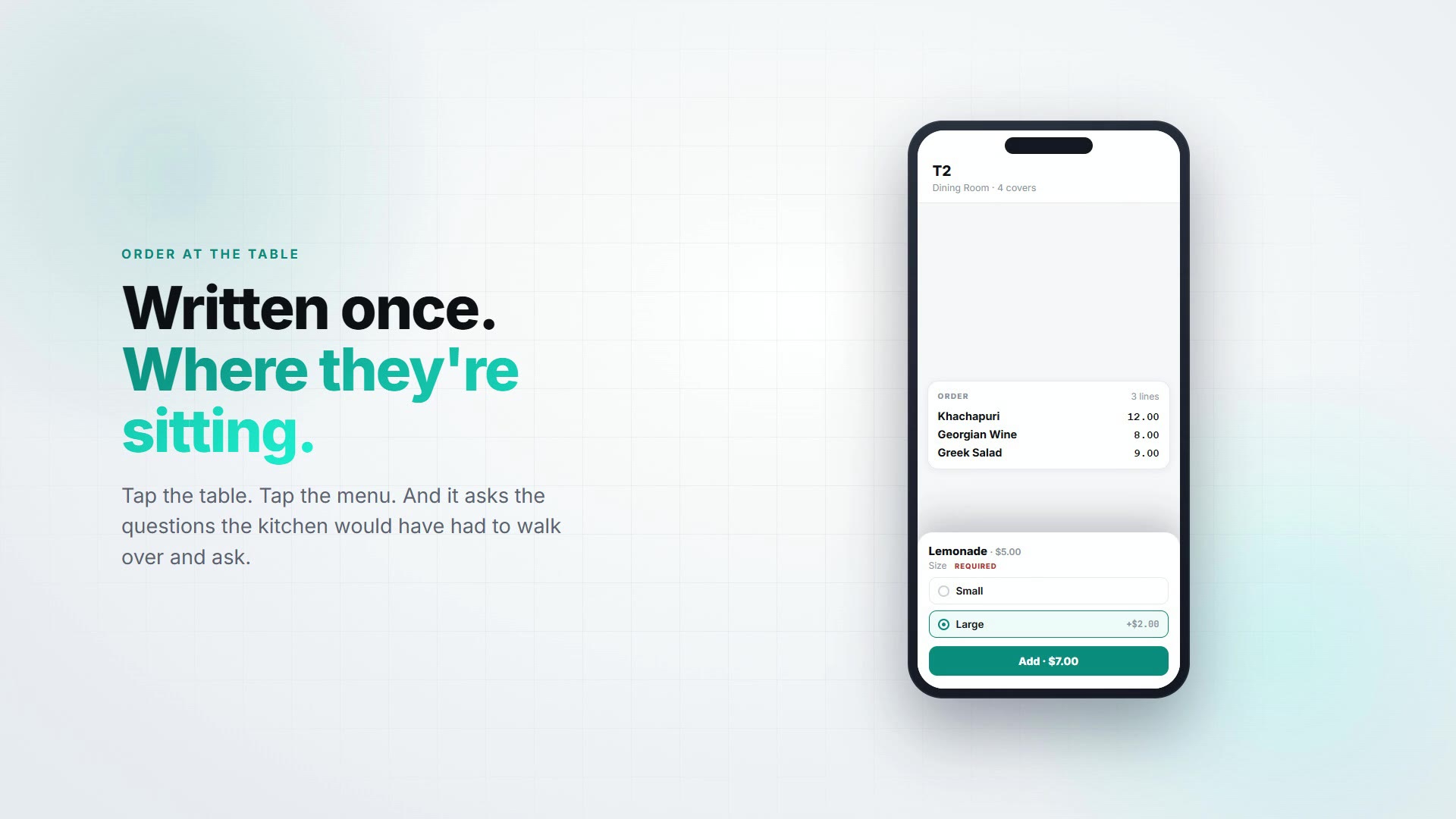
Order at the table, straight to the kitchen
A waiter pad in every apron. Take the order where the guest is sitting, send each item to the station that cooks it, and settle at the table. It is the same till as your counter — so a dine-in sale relieves the same stock and takes the next receipt number, with nothing to reconcile at close.
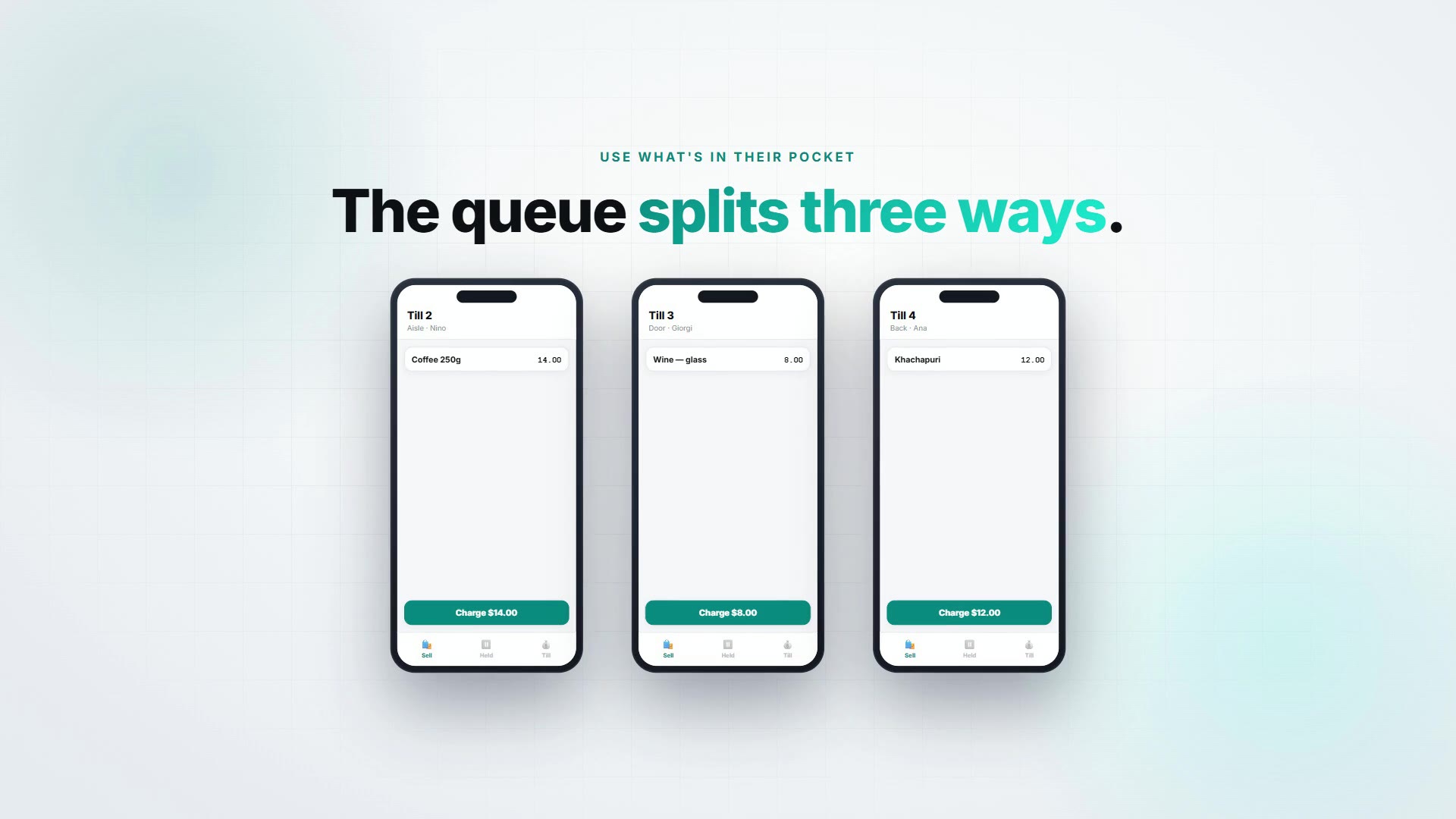
Open another till in about ten seconds
The queue at your counter is not a staffing problem — your staff are standing right there. It is a terminal problem. Any phone signs in as a register: scan with the camera, take the payment, email the receipt. However many tills you open, there is still one stock figure.
We could have shipped the whole ERP in a WebView and called it a mobile strategy. Plenty of vendors do. The result is an app that takes six seconds to open, shows a warehouse worker a schema editor, and gets uninstalled in week two.
So each app is the size of its job. HR is three tabs and opens on a clock. Chat is colleagues, customers and calls. BAIA is one screen you can talk to — small enough that your phone will let it be the assistant behind the home gesture. Warehouse opens straight into a camera, because a picker holding a box has one free hand and about a second of patience.
What they share is everything underneath: the same sign-in, the same permissions, the same records. Approve leave on a phone and the web workspace already knows. There is no sync, because there is nothing to sync.
| App | Android | iOS |
|---|---|---|
| BackOffice HRio.backoffice.hrm | Live | Coming soon |
| BackOffice Chatio.backoffice.chat | Closed beta | Coming soon |
| BAIAio.backoffice.baia | Closed beta | Coming soon |
| BackOffice Warehouseio.backoffice.wms | Coming soon | Coming soon |
| BackOffice Kitchenio.backoffice.pos | Coming soon | Coming soon |
| BackOffice POSio.backoffice.pos | Coming soon | Coming soon |
Every app also runs in a mobile browser at app.bo.ge — the native builds are for lock-screen actions, push and voice.
Password with 2FA, Google or Microsoft — the same account as the web app. Sign in once per device, then Face ID or a fingerprint every day after.
A manager tab, a customer inbox, an AI action — each appears only for people who already hold that right in the workspace. Mobile grants nothing extra.
All four reach your workspace through the same front door the browser uses. The API is not publicly exposed for the sake of a mobile build.
A mention, an assignment, a shift reminder — sent from the server, so it arrives whether or not anyone opened the app that day, and it opens the right screen.
The workspace is fully localised, and the apps follow the language on the account rather than making people switch.
There is no "mobile add-on" line on the invoice. The apps are free downloads on the plan you already have.
BackOffice HR is on Google Play now. Chat and BAIA are feature-complete and running against production — we're onboarding workspaces a batch at a time, because both need credentials that are yours to set up. Warehouse is built and scanning; its store track opens next. iOS builds follow for all four.
Because the jobs share nothing on a phone. A picker scanning a shelf shouldn't scroll past a customer inbox, and an assistant you summon with the home gesture can't be a five-tab shell. Each app is small and opens instantly; all four sign in to the same workspace.
No — free downloads, no separate mobile seat. You pay your normal plan: free for 14 days, then $29/user/month with no minimum. See pricing.
None yet, honestly. HR is live on Google Play, Chat and BAIA are in closed beta on Android, Warehouse opens early access next, and iOS follows for all four. Join the list and we'll send the TestFlight invite when the track opens.
Yes — the whole workspace is responsive at app.bo.ge. The apps exist for what a browser tab does badly: a lock-screen clock-in, a push notification, a ringing softphone, an assistant behind the home gesture.
Of course. They're independent installs. Most teams start with HR, because everyone has a shift.
We can provide a signed APK for devices without Play Services — ask us and we'll send it with the checksum.
Free for 14 days, no credit card. The apps are free on top of that.